
Your situation
When a security audit makes sense
You want to know where your website is exposed while you can still deal with it at your own pace. Our WordPress security check combines automated scans with a review by hand. The scan finds known vulnerabilities in WordPress, themes and plugins. By hand we go through logins, user roles, file permissions (who may change which file), forms and security headers, which are instructions to the browser that make certain attacks harder. We also look at whether a firewall such as Cloudflare filters traffic before it reaches the server.
- Overdue a check
- Nobody has checked the site in years
- Taken over
- You took over a site built by someone else
- Customer data
- A shop or form handles customer data
- Questions
- Clients ask how you protect their data
Step by step
An audit in six steps
An audit only helps you once it turns into action. First we define what gets checked and how, so the audit does not disturb your live site and nothing important is left out. The scan and the review by hand follow, and the re-check at the end shows you which risks are closed.
-
Scope
Sites, shops, forms and access agreed before testing starts.
-
Scan
Known vulnerabilities in WordPress, themes and plugins tracked down.
-
Manual review
Logins, roles, settings and forms gone through by hand.
-
Risk rating
Each finding rated by what it could cause and how easy it is to exploit.
-
Report
Written in plain language, with a concrete fix for each finding.
-
Re-check
Fixes tested, every item marked as closed or open, remaining risks documented.
Collaboration
Findings you act on together
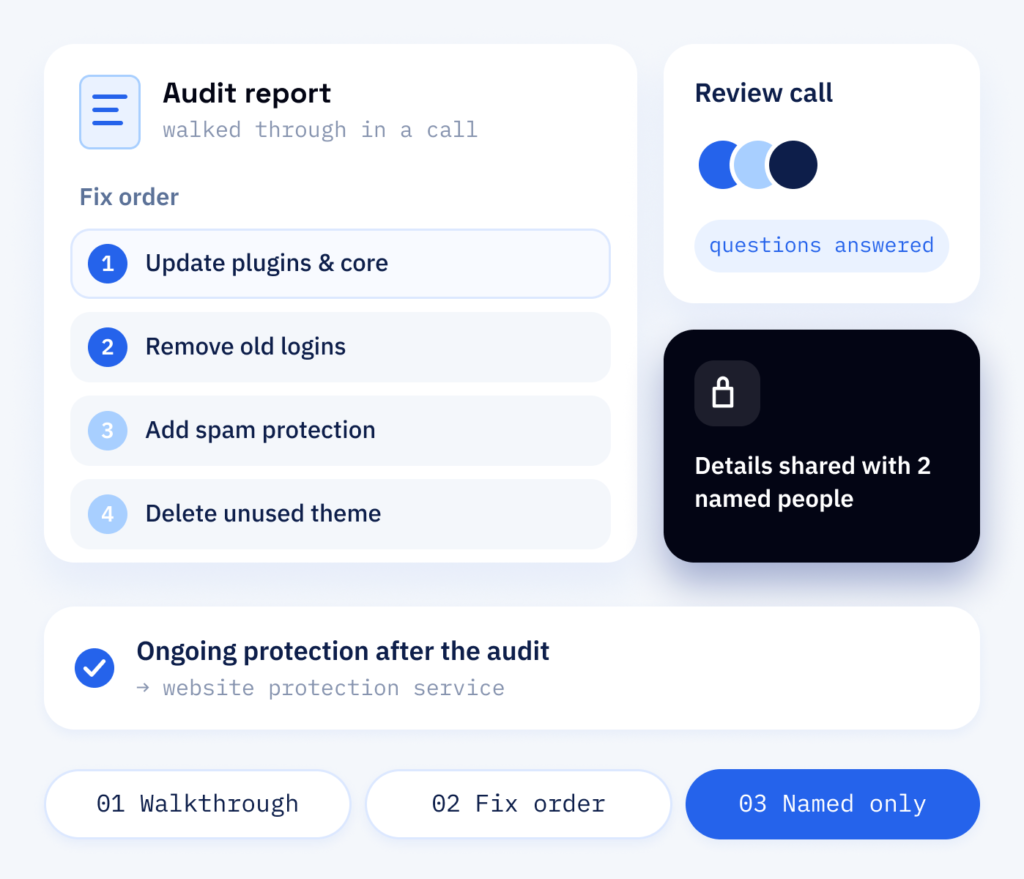
You tell us what should be checked and who may see the results, and we set up secure admin access for the review. We then walk you through the report in a call or by email, answer your team’s questions and settle together which fixes come first.
Sensitive details stay in the report and go only to the people you name. Ongoing protection after the audit is part of our website protection service.
- Report walked through with you
- Fix order agreed together
- Details only for named people
Result
What you have after the audit
An incident costs more than the clean-up: lost orders, lost data and many hours of your team’s time. The audit turns a vague worry into a short, ordered list, so you know what comes first and can budget for it. Findings are rated in the context of your site: a missing setting weighs more on a shop with customer accounts than on a company website. Under the FADP, the Swiss data protection act, websites holding personal data need protection that fits the risk.
For your decision
- A report written for decision-makers
- Findings ranked by risk and the work involved
- An order of work you can budget for
- Remaining risks documented, so you decide what to accept
For the work itself
- A concrete fix for every finding
- The cause of each finding, so any developer can work with it
- A re-check once the fixes are done
- Each item marked: closed or open
What sets us apart
Security audits by ScaleAble
Our audits come from the people who develop and look after WordPress sites, as the selected projects in our portfolio show. That is why each finding comes with a fix that suits your website.
-
Beyond the scanner
Tools find the known issues; our manual review looks for the ones that depend on how your site is set up.
-
Clear report
Each finding explains what it means for your business and which setting causes it.
-
A fix per finding
If you wish, we apply the fixes and then check whether each gap is closed.
-
Ranked by risk
Urgent risks come first, so your budget goes where it lowers risk the most.
Comparing the options
Why an online scanner is not enough on its own
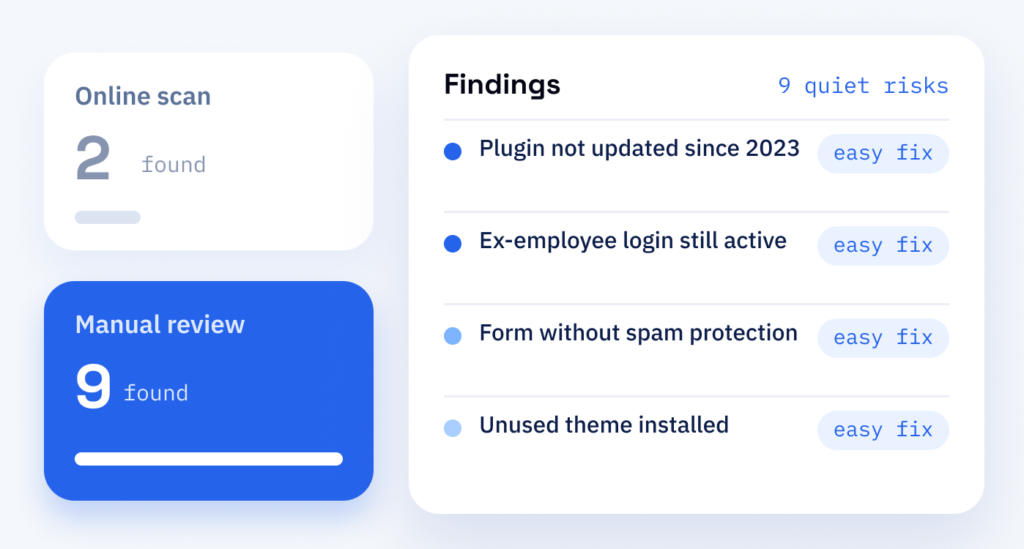
Most security problems never make the headlines. They are old plugins nobody uses any more, logins of former staff that still work, or contact forms without spam protection. Each of these gaps is small and can be closed; the work lies in finding them.
Do not rely on an online scanner alone, because it sees only what is visible from outside and misses roles, settings and forgotten accounts. For a first look at an outdated plugin or a missing header it is fine. In the audit, the scan is the start and the manual review is the core.
Cost
What a security audit costs
-
Size and features
The size of the site, the number of plugins, shop and form features and whether we also apply the fixes. We are happy to estimate the effort for your site.
-
Applying the fixes
This part is easy to leave out of the budget. Whether we take it on affects the price, and a fix only counts once it has been tested.
-
What comes afterwards
Updates, backups and monitoring that watches for new vulnerabilities in your plugins keep up what the audit achieved. A regular audit in your maintenance plan makes changes visible.
After the audit
From findings to fixes
The report is written so that any developer can work with it. If we apply the fixes, small changes go straight to the live site. We try larger ones on a test copy of your website (staging) first, where a problem can be solved without pressure, and apply them after your sign-off. Even years after launch, a regular audit within your WordPress maintenance shows what has changed since.
Part one
Audit
Automated scans and a review by hand, rated by risk.
- Plugins, themes and WordPress core checked for known vulnerabilities
- Logins, user roles and file permissions reviewed
- A prioritised report with a fix for each finding
Part two
Hardening
The findings become changes that shrink what can be attacked on your site: small ones directly, larger ones on the test copy first, so the live site keeps running.
- Updates and removal of unused plugins
- Two-factor login (a second step when signing in) and tidy user roles
- Security headers set and the file editor switched off, so code can no longer be changed directly in WordPress