
The starting point
Managed WordPress hosting instead of scattered logins
Web hosting in Switzerland or abroad, a domain and an email provider: we pick what fits your WordPress site and set it up completely. If your hosting and domain sit with different providers and nobody can find the logins, we bring everything together and keep DNS, SSL certificates and email delivery in order.
- Slow website
- Your website loads slowly
- Mail in spam
- Form emails end up in spam
- Scattered access
- Domains and logins are spread across providers
- A move ahead
- A move to new hosting is coming up
The process
Hosting setup and moves point by point
A move or new setup touches many small things at once: server, domain, certificate, email. We plan them in a fixed order and check each one, so the switch is calm and nothing is forgotten.
-
Requirements
Visitors, shop, languages and email needs clarified. The choice of hosting follows from these, so the plan we recommend carries your site.
-
Setup & migration
Server prepared, your site tested on a copy (staging) and moved at a low-traffic time.
-
DNS & SSL
Domain switched over and certificates issued.
-
Email delivery
SMTP, the route your emails are sent by, and sender records set up so emails arrive.
-
Backups
Automatic backups planned and a first restore tried out.
-
Handover
Every login, setting and DNS record documented and handed over to you.
Talking to us
Clear answers in plain language
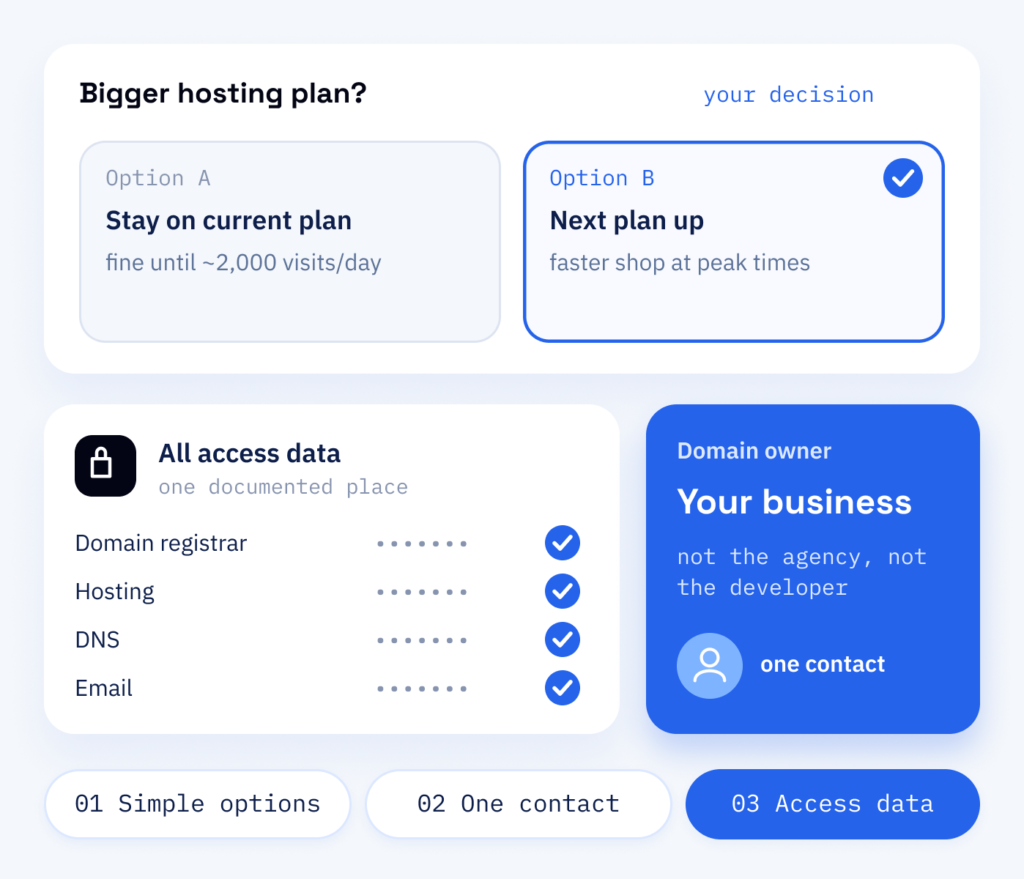
You don’t need to know what an MX record is. What you know about your providers is enough for us, and in the end you decide. When a new domain, a bigger hosting plan or a change to your email comes up, we explain the options simply and handle the technical work once you have decided.
- Options explained simply
- The same team throughout
- All access data in one place
What changes
A documented base for your website
Slow pages, expired certificates and emails that never arrive drive away potential customers, often without anyone noticing at first. A cleanly set-up technical base is there to keep your certificates valid and your backups restorable, and to make sure form messages arrive.
What we keep an eye on
- Domains registered, renewed, documented
- SSL certificates issued, renewed, checked
- Sender records set up and tested
- Automatic backups with a tried-out restore
What you will get
- Hosting chosen and set up for your site
- A planned migration with a tested result
- Correct DNS, SSL and email settings
- One documented list of all access data
Why it helps
Why ScaleAble for WordPress hosting
Your hosting is set up by WordPress developers, so caching (temporary storage that speeds up pages), server settings and backups fit your website. For Beauty Corner Rubin, the domain switch was part of an ordered launch plan, together with redirects, cache and Search Console, as our case study shows.
-
Planned WordPress migration
Moves are prepared on a copy of the site and switched over during low-traffic hours, so visitors barely notice.
-
SSL and backups included
SSL certificates, server settings and automatic backups are part of the setup from the start, so your site starts encrypted and with a copy you can restore.
-
Sender records set up
We set up and test SPF, DKIM and DMARC records, which identify your emails as genuine, as well as SMTP, so form and order emails land in spam less often.
-
Every login documented
Domains, hosting, certificates and logins are documented together, so you always know what runs where and who owns it.
Which route fits
Three routes to your technical base
As long as everything runs, nobody notices the hosting. When an SSL certificate expires, a domain lapses or enquiries from the contact form land in spam, it suddenly becomes your most urgent problem.
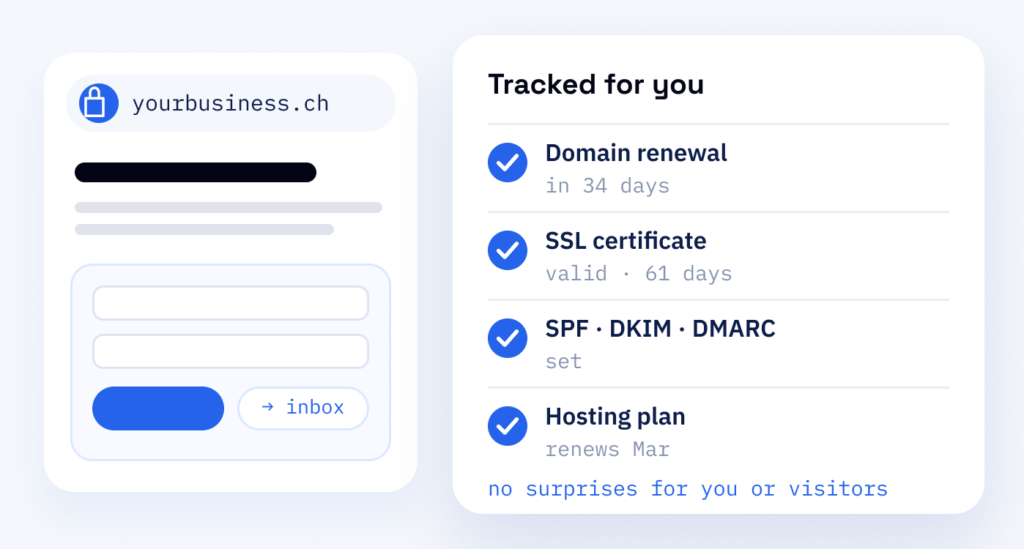
If your website is already online, we can take over the care of your existing domains. We track renewal dates, check SSL certificates and watch your sender records, so these problems are less likely to surprise you or your visitors. The second route is a move to new hosting, which we prepare on a copy. The third route is the whole technical base: server, domains, certificates and email. It fits when hosting and domain sit with different providers and nobody can find the logins any more.
Never have your domain registered in the name of an agency or a developer. The domain belongs to your company, so you can pass your setup on at any time. We document every login for you.
Cost
How WordPress hosting is priced
-
Visitors, shop, mailboxes
Visitors, a shop, the number of languages and mailboxes, and how often backups run. We recommend the plan that is enough for your website and take care of setting it up.
-
Renewal dates
Domains and certificates have renewal dates, and one invoice sent to an old address is enough for something to expire. So we track these dates for you.
-
Care after setup
Updates, certificate renewals and protection against common attacks are part of the ongoing care once setup is done.
After launch
Long-term care for your hosting
The team that sets up your hosting also looks after it once your site is live. That includes update rounds for WordPress and plugins, which we check on the test copy first, SSL certificate renewals and hardening, which protects against common attacks. Scope and schedule are set out in our WordPress maintenance plan.
Part one
Hosting
A technical base chosen, set up and documented for your WordPress website.
- Hosting set up or migrated, with caching configured
- Domains, DNS and SSL certificates in order
- SMTP and sender records for reliable email
Part two
Security & updates
The same base kept current and hardened; update rounds are tested before they go live.
- WordPress, theme and plugin updates tested on staging
- A security plugin, security headers (instructions to the browser that make certain attacks harder) and login protection
- Two-factor login for every admin account