
Who it fits
A custom plugin for work no ready-made one does
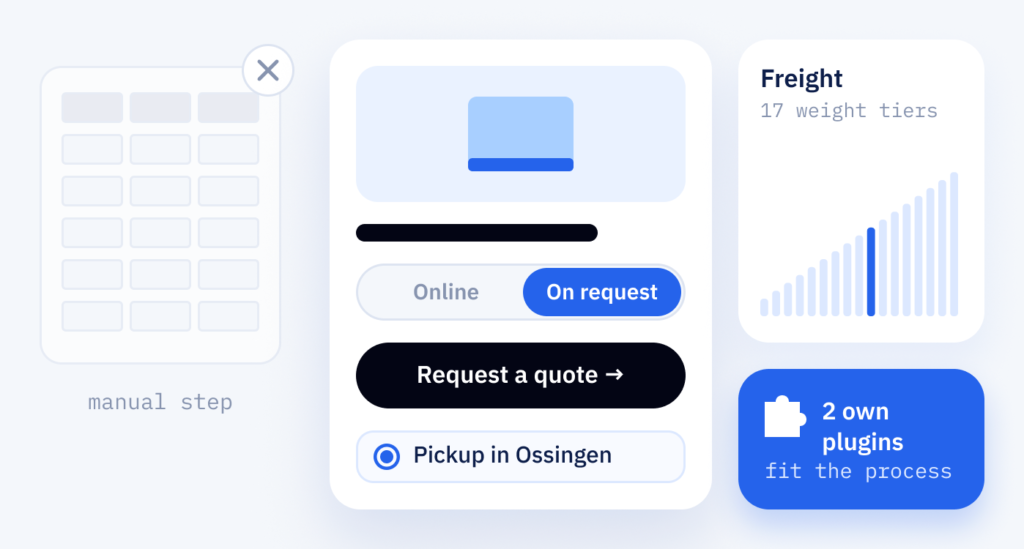
Some requirements no ready-made plugin covers: a price switch between business and private customers with a check of the Swiss company number (UID), a flow for request-only products or a cost calculator. We develop these as custom WordPress plugins, with a settings page your team manages itself.
- Nothing fits
- No plugin on the market does what you need
- Too many plugins
- Several plugins are combined to imitate one function
- A lot of manual work
- Your team works around the website by hand
- Fragile code
- A key function sits in the design’s code and is lost when the design changes
Step by step
How a plugin project runs
A plugin starts with your process, not with code. We look at how the work runs today and write down what the plugin should do, because changes cost less on paper than in code. Custom plugins are part of our plugin development services.
-
Discovery
How the task is done today and where it gets stuck.
-
Specification
Functions, roles and edge cases worked out in detail before the first line of code.
-
Architecture
Data, settings and the points where it connects to WordPress (hooks) planned before coding.
-
Development
Code in Git, a version control system: every change stays traceable.
-
Tests & Review
Empty fields and wrong input tried out on a test copy of your website (staging), code checked over.
-
Release & Docs
The plugin goes live with a record of what changed (changelog) and a guide.
Collaboration
Your process, our code
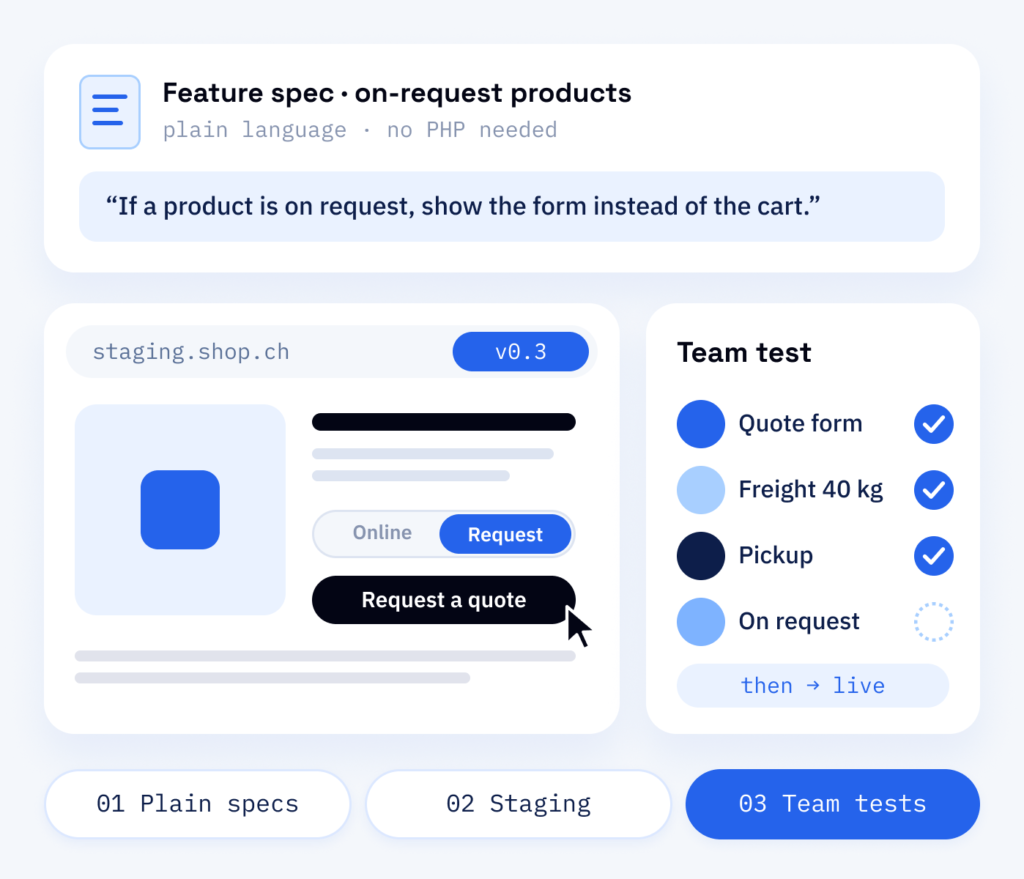
You don’t need to know PHP, the language plugins are written in. We describe each function in plain language, show working versions on the test copy early and let your team click through them. Whatever you notice, we change before the plugin reaches your live site.
- Specification in plain language
- Working versions on the test copy
- Your team tests before release
What you receive
What the plugin leaves you with
The task then runs by your rules, inside WordPress, instead of through spreadsheets and manual steps. If your business changes, the plugin can be extended.
For your team
- A settings page for options and rules
- A short guide for daily use
- A clear description of the functions as a shared basis
For later
- A standalone plugin under version control
- Documentation for future developers
- Clear names and comments, so others can carry on with the code
Why it makes sense
Why ScaleAble for custom plugins
We write plugins for our client projects, from shop logic to sets of content blocks for your editors. That is how we know the places where WordPress code tends to break.
-
Known building blocks
Price switching, shipping rules and calculators are things we have solved in client projects, so your project does not start from zero.
-
Structured data
Where a plugin shows content, it can also mark it up for search engines and AI assistants (schema.org), so they read it correctly.
-
Checks in the code
From the first version, the plugin checks input and permissions and outputs data cleanly.
-
Ready for translation
Texts can be translated and work with Polylang, a plugin for websites in several languages, so your plugin follows the languages of your website.
Your options
Three ways to close a gap in your process
A spreadsheet next to the shop or a manual step after every order usually means a plugin almost fits. More add-ons rarely help at that point, because each update can upset how they work together.
For smaller gaps, adapting an existing plugin is often enough, and we will tell you so. A plugin of your own fits when the process has to follow your rules, as at Onyx Lashes GmbH: one switch in the shop changes all prices between business and private customers.
Cost
What decides the cost of a custom plugin
-
Functions, roles, edge cases
The number of functions, roles and edge cases, the connections to other systems and the scope of the settings page. The specification is the basis for effort and timeline.
-
Empty fields and wrong input
Unusual orders are often forgotten as well. Together these cases decide whether a plugin can be trusted, so we plan them in from the start.
-
New WordPress versions
The plugin has to keep pace with new WordPress, WooCommerce and PHP versions. That runs through the maintenance plan.
After launch
Plugin and maintenance
WordPress, WooCommerce and PHP keep moving. The people who wrote your plugin test it against new versions within our WordPress maintenance, adjust what changes and add functions as your process grows. Requests go through our ticket system. Where a plugin shows content to visitors, RankExperts, our brand for SEO and content, checks that search engines and AI assistants read it correctly.
Part one
Plugin
A custom plugin to your specification, checked on the test copy, with a guide for your team.
- Specification and architecture planned up front
- Code in Git with a traceable version history
- Settings page and a short guide
Part two
Maintenance
The same plugin kept compatible with the WordPress, WooCommerce and PHP updates you install.
- Compatibility tests on the test copy before larger updates
- Bug fixes from the people who wrote the code
- New functions when your process changes