
The starting point
Risks from inside and out
Attacks come from outside: bots trying passwords, scripts probing for old plugins. Risks also grow inside: shared logins, too many admins, forgotten accounts. We harden your WordPress site, which shrinks what can be attacked. Cloudflare’s web application firewall checks traffic before it reaches your server, and we set up access so each person has exactly the rights they need.
- Shared logins
- Everyone in the team logs in as admin
- Login attacks
- Bots keep trying to log in
- Form spam
- Your forms are flooded with spam
- Old access
- Former staff or agencies can still get in
The process
Your protection, layer by layer
Protection starts with knowing what is there. We list every access point first, then close the gaps layer by layer, so your site stays usable from the first rule to the handover. Unused plugins, old accounts and test files are the first to go, because what is no longer installed needs no securing. For larger sites, a WordPress security audit lists what to fix first.
-
Inventory
Plugins, users, logins and access points listed.
-
Hardening
Unused parts removed, file editor off, versions hidden.
-
Firewall & Access
Cloudflare in front, login attempts limited.
-
Roles & 2FA
Minimum rights for every user, two-factor login (2FA) switched on.
-
Backups
Backups scheduled and the restore rehearsed on a test copy of your website (staging), so an emergency is not its first run.
-
Handover
Settings documented and your team briefed on the new logins.
Your team
Security that fits your team
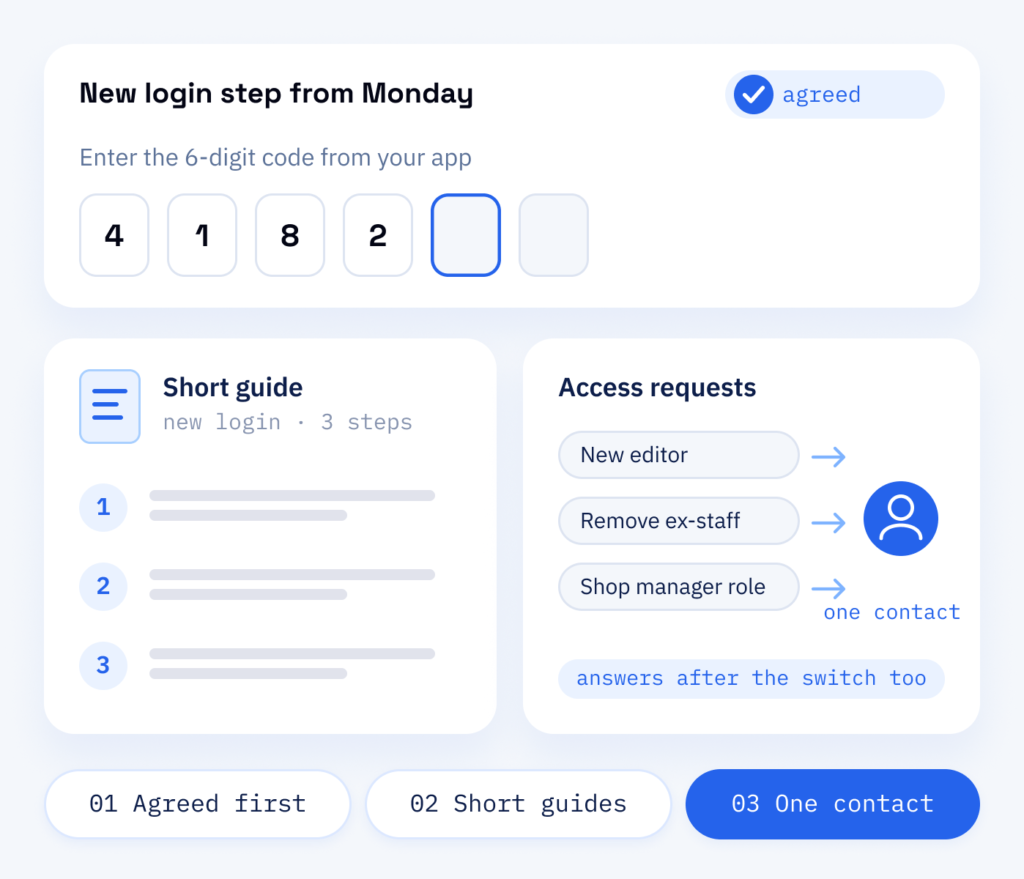
Anything that touches your daily work is agreed with you before it goes live: new login steps, changed roles, removed plugins. You tell us about your team, short instructions explain what is new, and we keep answering your questions after the switch.
If a rule makes daily work painful, people find a way round it. So we shape protection to fit how you actually work.
- Changes agreed before going live
- Short guides for new login steps
- Our team answers access questions
What you receive
Fewer doors left open
Every unnecessary access point is a chance for attackers and a risk for your customers’ data, your search rankings and your reputation. Layered protection lowers that risk without slowing your team down: the login gets a second step, and everyday editing works as before. People and plugins get only the access they need, and fewer admin accounts mean fewer accounts worth stealing. If someone has already broken in, our guide for a hacked WordPress site lists the first steps in the right order.
On your website
- A hardened WordPress setup
- A firewall and login protection in place
- Spam protection for every form
- Unused plugins, old accounts and test files removed
For your team
- Clean user roles with two-factor login
- Settings written down
- Short guides to the new login steps
- Scheduled backups with a rehearsed restore
Why this works for you
Website protection from ScaleAble
We know WordPress from the inside, with its themes, plugins and forms and the way teams work with them. That is why we set things up to protect your site without knocking out features.
-
Defence in layers
Server, WordPress, login and users are each secured, so a single failed layer is less likely to leave the whole site open.
-
Care with large changes
We make small adjustments directly on the live site. Larger ones go on the test copy first and move across after your sign-off, so a rebuild is unlikely to lock anyone out.
-
Simple for your team
Two-factor login, clear roles and short instructions, so your editors use the protection every day.
-
Less to give away
We remove version information and set security headers, which are instructions to the browser, so your site tells attackers as little as possible.
Weighing it up
One firewall in front instead of several security plugins
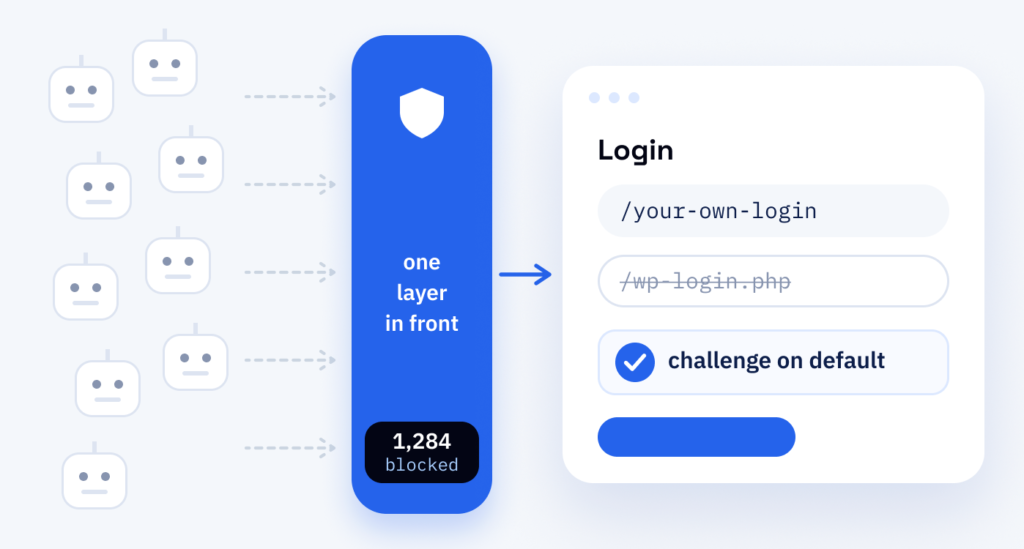
Stacking security plugins causes more trouble than it solves. They overlap, slow down the working area of WordPress (the backend) and make it hard to tell which rule blocked a visitor. One protective layer in front of the site does more than several plugins inside it.
The reason is that attacks run automatically. Bots try common passwords and search thousands of sites at once for outdated plugins, so we filter out as much of that as we can before it reaches WordPress.
That is how Poolroboter.ch, a pool shop in Pfungen ZH, is set up.
Cost
Prevention against repair: the cost of website protection
-
Why prevention pays
Regular maintenance, good hosting and sensible protection in front of the server, for example through Cloudflare, usually cost far less than repairing damage.
-
What damage really costs
On top of the clean-up come the follow-on costs: lost search rankings and lost customer trust. These appear on no invoice and often last longest.
-
What keeps running
A firewall does not replace upkeep: updates carry on in a fixed cycle, and we maintain the Cloudflare rules in the Premium plan of our WordPress support.
In front of the server
Web application firewall and CDN
Cloudflare’s web application firewall (WAF) sits between visitors and your server. WAF rules stop known attack patterns. A limit on login attempts (rate limiting) and an extra check slow down password guessing. The bot filter separates search engines from scrapers, the programs that copy content, and DNS, your domain’s address book, runs in the same account. The firewall does not repair an outdated plugin or a weak password, which is why hardening and updates stay part of the job. We set up Cloudflare and maintain its rules within the Premium plan of our WordPress support. RankExperts, our brand for SEO and content, checks that search engines and AI crawlers still get through.
Part one
Cloudflare
Filters traffic before it reaches your server.
- WAF rules for known attack patterns
- Rate limiting and an extra check on the login
- Bot filter and DNS in one account
Part two
WordPress
Closes the gaps inside the site itself.
- File editor off and version details hidden
- Roles with only the rights each person needs, and two-factor login
- Alerts for new admin accounts and changed files